Zenith is a product design tool, but every shape on the canvas is also a piece of real code. So when your engineers build, they're not interpreting a screenshot — they're working with the same primitives you used to design. Nothing gets translated, nothing drifts.
On the surface it's a product design tool you already know — canvas, components, multiplayer, the lot. Underneath, every shape you draw maps to a real piece of code. That's why the design and the build don't drift apart over time.
Frames, components, drag and drop, all the keyboard shortcuts you already use. The basics work the way you'd expect them to.
Live cursors, selections, follow mode, comments. Designing alongside the rest of your team, in real time.
Colors, type, spacing, motion — all kept together. Change one token and every screen using it updates.
Draw a button, give it variants, drop instances wherever. What you put on the canvas is the same component engineers build with.
Open, closed, hover, error, loading — each one a frame on the canvas. No separate prototyping mode to learn.
Engineers don't reverse-engineer your file. They pick up the same primitives you used to design with, so the build matches what you actually drew.
All your colors, type, spacing, and motion live in one place. Change a token and every screen using it picks up the update.
Draw a component, give it variants and sizes, drop instances into your screens. Override on a case-by-case basis.
Lay out your screens on the canvas. Hover, open, closed, error — each state is its own frame, sitting next to the rest.
Live cursors, selections, follow mode, threaded comments. The team on the same canvas at the same time.
Every shape you draw maps to a real piece of code. When engineers pick it up, they're working with what you actually designed.
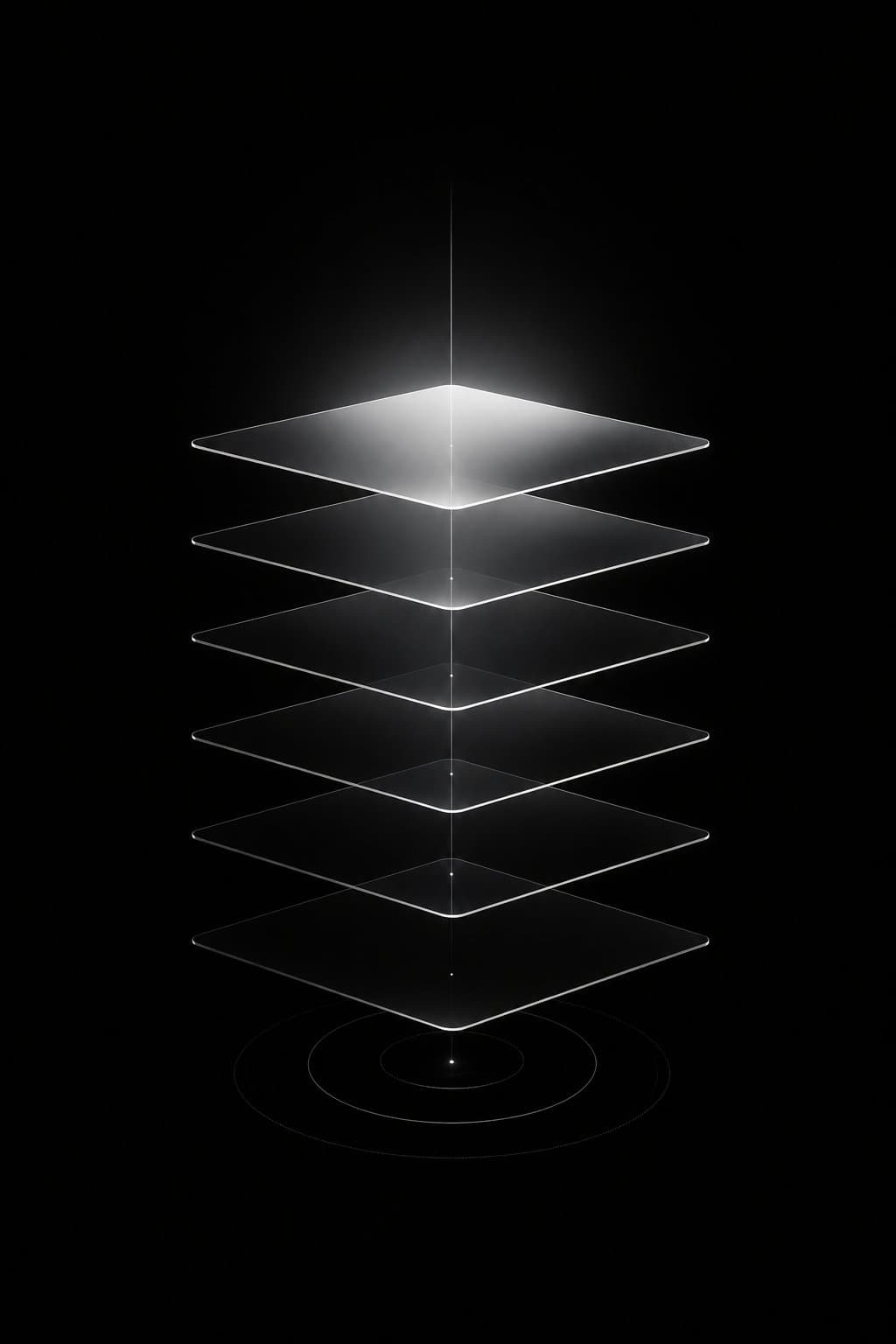
For years we kept hitting the same wall. The designs we made and the products that shipped never quite agreed — colors drifted, spacing got rounded off, components turned into approximations of the ones in the file. We tried MCP servers, plugins, token exporters, hand-rolled scripts. Nothing actually closed the gap.
The reason was simple in hindsight. The design tools we were using weren't built for this. Underneath the canvas, they're storing shapes and layers — components and tokens don't really exist down there, so there's nothing concrete for engineers to reach in and grab. You can paint something that looks like a button, but you can't define one. The translation has to happen somewhere, and it always leaks.
So we built a design tool with a different foundation underneath: real component primitives, the same tokens engineers use, recipes that map directly to the code. The harder part was keeping it loose. Drawing freehand, dragging things around, throwing ideas at a frame to see what sticks — that's not negotiable for a designer, and we weren't willing to make people give it up.
We're inviting designers in slowly while we polish the rough bits. Drop your email below and we'll reach out when there's room.